$ cat ~/blog/ssh-tunnel-in-pgadmin3-for-postgresql.md
SSH Tunnel in pgAdmin3 for PostgreSQL
How to create an SSH tunnel to pgAdmin for PostgreSQL for a graphical experience on a remote server

Photo by bantersnaps on Unsplash
I'm not afraid to admit, I'm a visual guy. I like GUI interfaces. Sequel Pro makes it very easy to SSH tunnel into a server and connect to MySQL, but there is nothing I have found built into pgAdmin3 to use SSH tunneling for connections.
Luckily I found it is simple enough to do.
First, open an ssh tunnel:
ssh -fNg -L 5555:localhost:5432 $YOUR_USERNAME@$YOUR_DOMAINThis opens an SSH connection in the background mapping your local port 5555 to your server's port 5432 (Postgres' default port). Type "man ssh" to see what each of these flags is specifically doing.
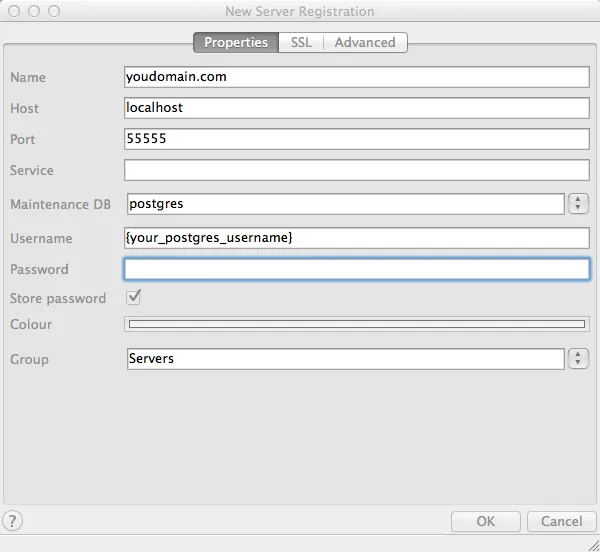
Now, create a new connection in pgAdmin using localhost as your host and port 5555.