
I Built My Own Evernote Replacement. Seven Months Later, I Love It.
I built DocManFu to cancel Evernote. Now I scan a document, let OCR and AI sort it out, and use the bills page to keep track of what I owe.
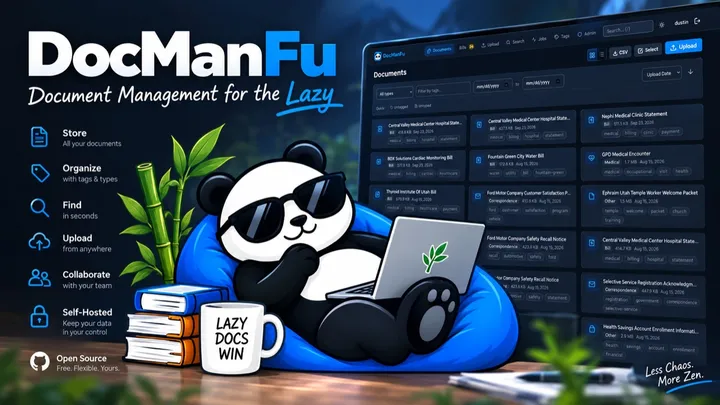
I built DocManFu seven months ago for a very practical reason: I wanted to cancel my Evernote subscription.
I had documents to keep, and I wanted to be able to find them again. That didn't seem like a good reason to keep paying rent on my own filing cabinet. I figured I'd build something I could host myself and see how far it got me.
Seven months later, I'm still using it. More than that, I love it. It has exceeded what I expected from a project that began as a way to stop paying a subscription.
I scan it and walk away
Here's my actual workflow. I put a document through my ScanSnap. The scanner drops a PDF into my Downloads directory, where a little CLI app called docmanfu is watching. The CLI picks up the new file and sends it to DocManFu.
I could open the web app and upload each PDF myself. I don't want to. The whole point is that the paper leaves my desk without giving me a second chore.
Once the PDF arrives, DocManFu runs it through OCR. Now the words inside the scan are searchable, even if the original was just an image of a page. It also runs an optional AI analysis that gives the document a sane name, extracts useful information, adds tags, and works out whether it's something like a bill.
That's a lot of tiny decisions I used to make for every document. What should I call this? Where does it go? Will I remember the filename six months from now? Usually, I won't. Being able to search the text is much more useful than having a perfectly organized folder tree that I never maintain.
The bills page earns its keep
Bills were the surprise. When DocManFu recognizes a bill, it puts it on my bills page. That page has become my to-do list for things I actually need to pay.
If the AI finds a payment link in the document, it pulls that out as well. I can open the link, pay the bill, and mark it paid in DocManFu. The bill disappears from the unpaid list, but the document stays in my archive if I need it later.
There's a small but important difference between saving a bill and dealing with it. My old workflow was good at the first part and depended on me remembering the second. Now the unpaid list tells me what still needs attention. I don't have to go hunting through PDFs to find a payment URL either.
From subscription escape hatch to something I'd share
I built this for myself, but DocManFu is open source and you can self-host it. Your documents can live on your own server. The AI features are optional, too; you can choose how you want to run them.
I'm thinking about turning it into a hosted service for people who like the idea but don't want to run a server. I haven't forgotten why I built it in the first place: I wanted a useful document archive without being stuck with somebody else's subscription. Self-hosting will remain an option.
For now, I'm mostly enjoying the fact that I can feed a piece of paper to my scanner, leave it alone, and later find it by searching for words inside it. And when it's a bill, it politely waits on a list until I pay it. That's the kind of boring automation that makes my day better.
If your Downloads folder is also a graveyard of scanned PDFs, take a look at docmanfu.com.